
To join the webinar, please enter your email (the one you used to pay). Next, enter your name Full Name.
If you paid with a company email, please enter your Full name, and not your Company Name.
Steps to follow to join the webinar:
Step 1:
Please Enter your full name.
(users without Full Names will be kicked out of the Webinar)
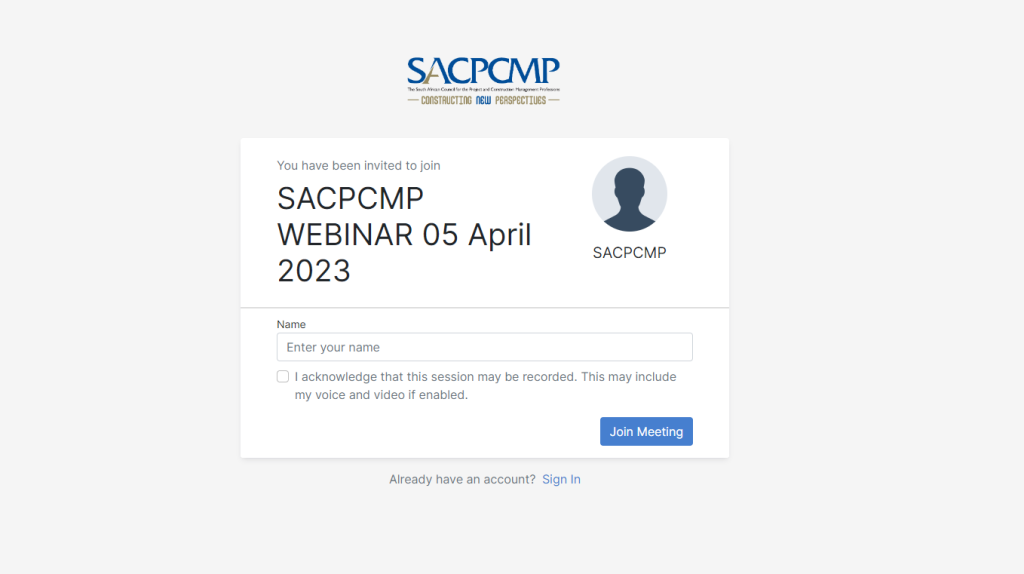
For this example, we will use the name SACPCMP User.
Step 2:
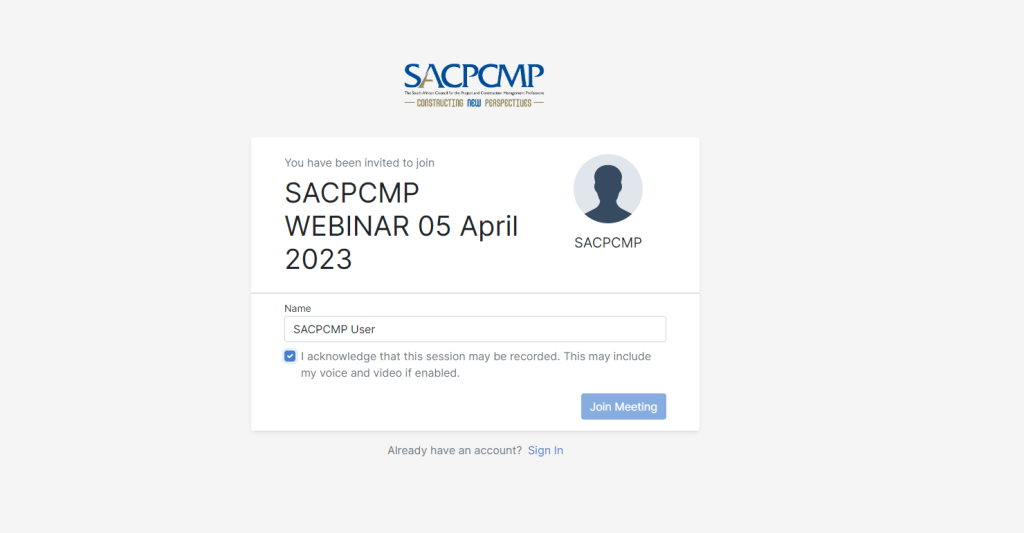
Click on a Checkbox to Acknowledge the session will be recorded
Step 3:
Click on Join Meeting,
Step 4:
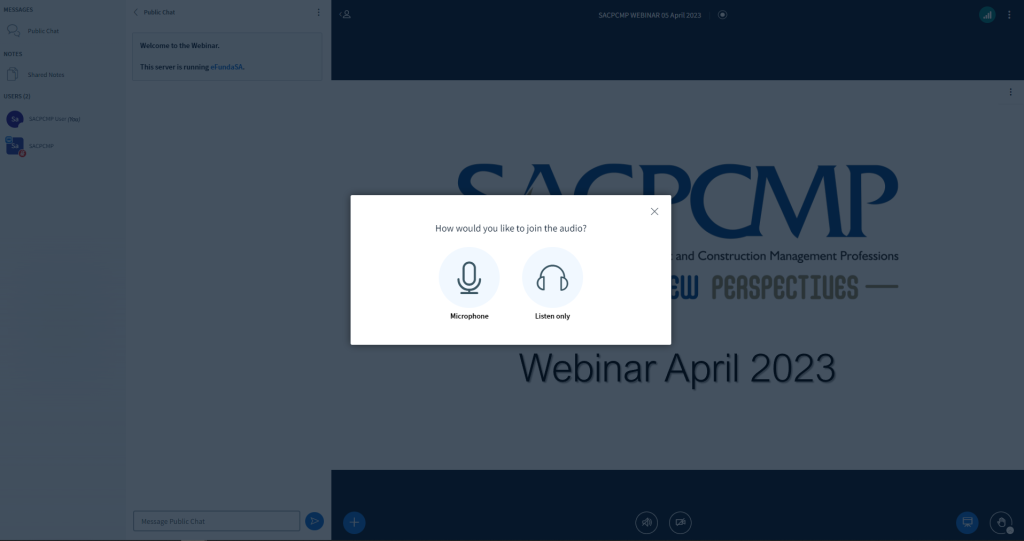
Click on Microphone, so that you can unmute yourself when you want to ask Questions.
Step 5:
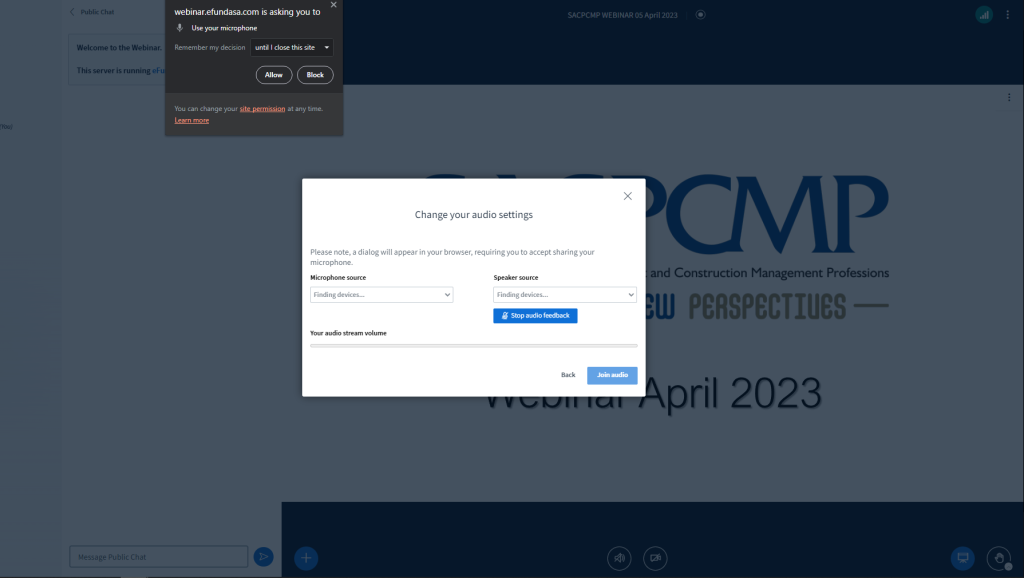
Allow the use of a Microphone.
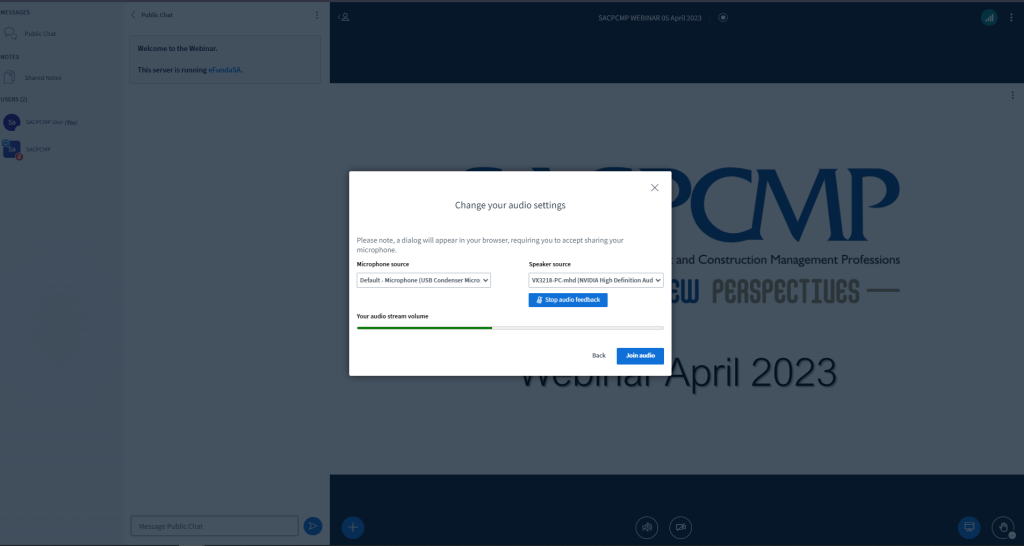
Say some words before you click on Join Audio, and you will see Your audio stream volume moving.
Step 6:
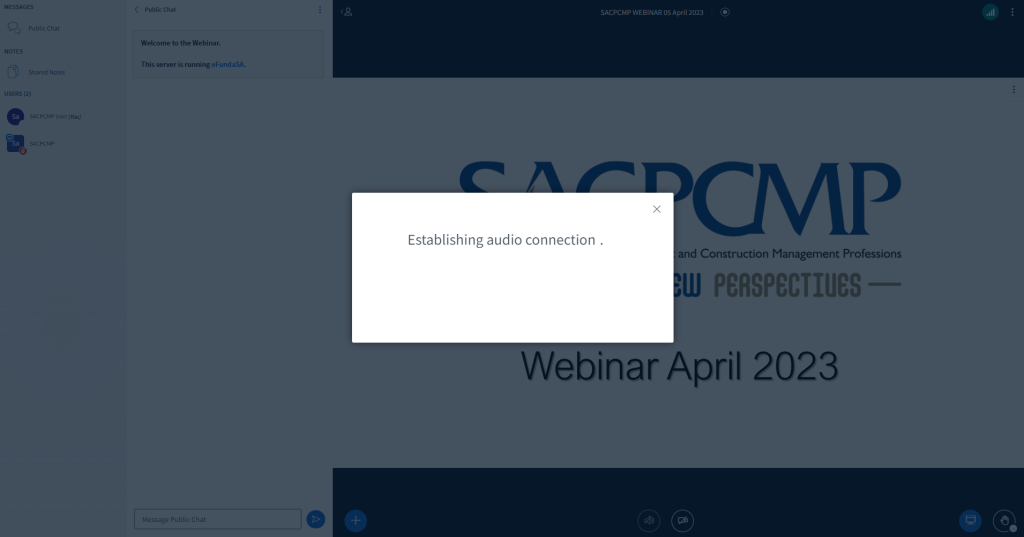
Then click on Join Audio, You will see “Establishing audio Connection….”
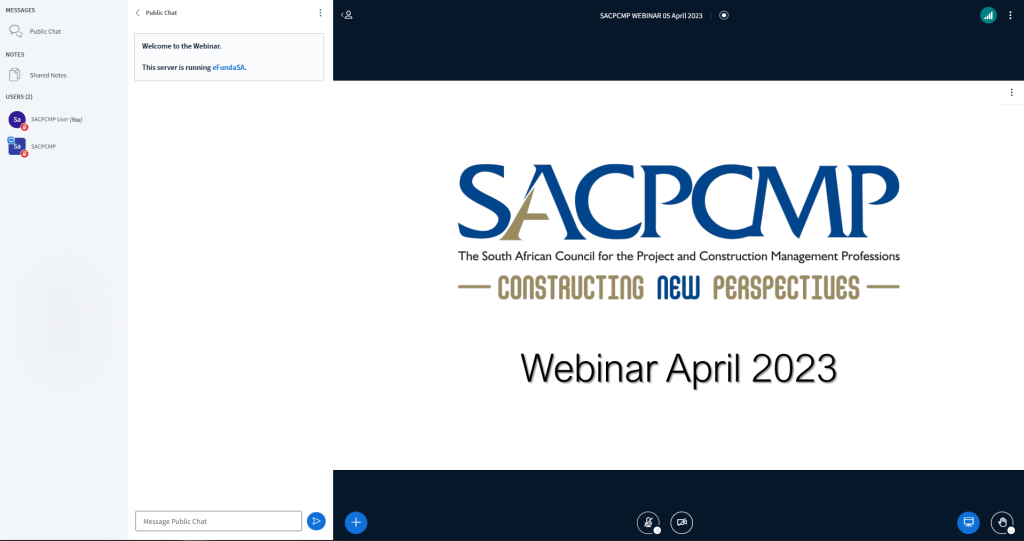
To Unmute Please click on Unmute button, at the button center.
